Residential (904) 259-2261 · Business (904) 259-2300
Whole Home WiFi
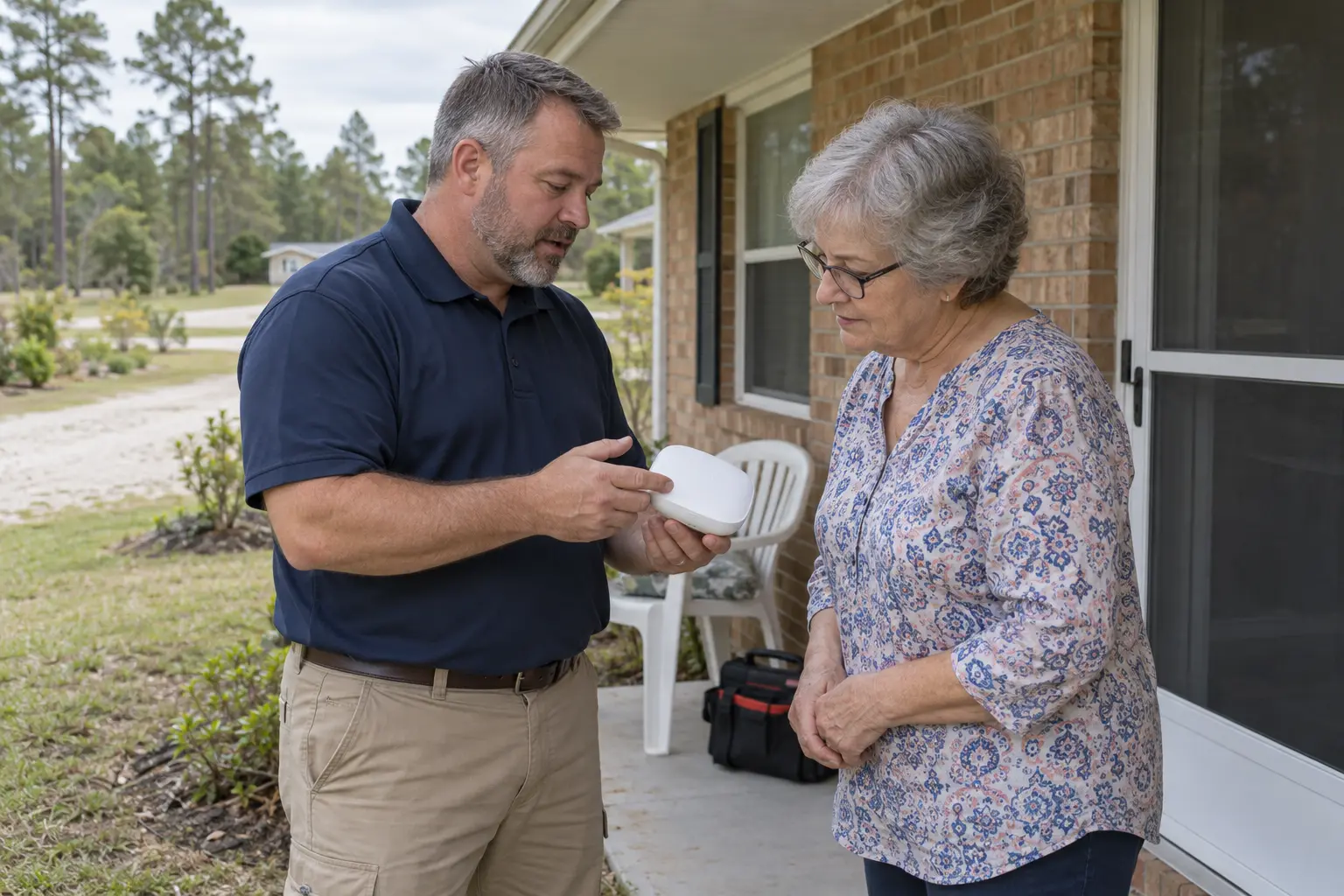
Mesh units work together as one network, so your connection follows you from the kitchen to the back bedroom. Our team sets it up and supports it from Macclenny.
Add it to any NEFCOM internet plan
$10
/mo
✓ Two mesh units included
✓ Extra units $5 a month each for larger homes
✓ Set up and supported by our local team
✓ Manage it all from the Deco app
Mesh WiFi
A single router has to reach the whole house from one spot. Mesh spreads the signal out, so the far rooms get the same fast WiFi as the living room.
The better way
Whole Home WiFi
Units placed around your home share one network name and hand you off as you move. Need more reach? Add another unit.
✓ One network name for the whole house
✓ No drop when you walk between rooms
✓ Strong speed in the far rooms too
✓ Control it all from the Deco app on your phone
The usual setup
Extenders can stretch a router's reach, but they usually cost you speed and leave you switching between networks.
✕ Separate networks to switch between
✕ Slower speeds through the extender
✕ Dead spots far from the router
What you get
Units placed where they're needed cover your whole home, porch and back rooms included.
Make a profile for each family member to set time limits, see usage, and block explicit content.
Give your work laptop or game console a speed boost when it matters most.
The Deco app
Whole Home WiFi comes with the free Deco app for iPhone and Android. You're in charge of your home network, whether you're on the couch or across town.
✓ See what's connected and how it's being used
✓ Make a profile for each family member
✓ Set time limits and block explicit content
✓ Give priority to the devices that need speed most
Getting started
Give our Macclenny office a call. We'll add Whole Home WiFi to your account and schedule a time to set it up. Monday to Friday, 8 am to 5 pm.
Call (904) 259-2261Whole Home WiFi is an add-on to our internet service. Pick an internet plan to get started and let us know you'd like Whole Home WiFi too.
See internet plans →Yes. Whole Home WiFi is an add-on to NEFCOM internet service, so it works with your fiber or Essential plan.
Two units cover most homes and are included in the $10 monthly price. Larger homes can add extra units for $5 a month each. We'll help you figure out what fits your house.
Our local team sets up your Whole Home WiFi and supports it from our office in Macclenny.
Yes. The Deco app on your phone lets you see who's connected, set parental controls, and prioritize devices from anywhere.
Call our Macclenny office, Monday to Friday, 8 am to 5 pm.

130 North 4th Street, Macclenny, FL 32063
Residential (904) 259-2261
Business (904) 259-2300
Toll-free (800) 416-6707
Repair: dial 611
© 2026 NEFCOM. All rights reserved.
130 North 4th Street, Macclenny, FL 32063